
Ci sono due modi per spegnere Tails.
Con entrambe le tecniche, tutti i dati memorizzati nella RAM vengono cancellati in modo sicuro per proteggere l'utente da cold boot attacks.
Standard shutdown from the system menu
The standard shutdown procedure is slower, but prevents damage to your Persistent Storage and data loss.
Open the system menu in the upper-right corner of the screen.

Select
 .
.Select Power Off.
A Power Off confirmation dialog appears.
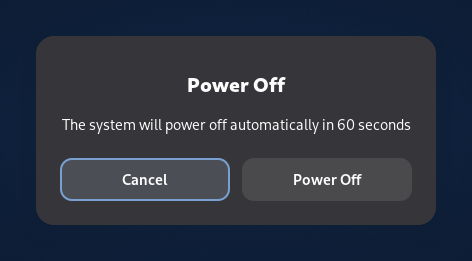
If an application needs to be closed or an open document needs to be saved before shutting down, the dialog includes some details.
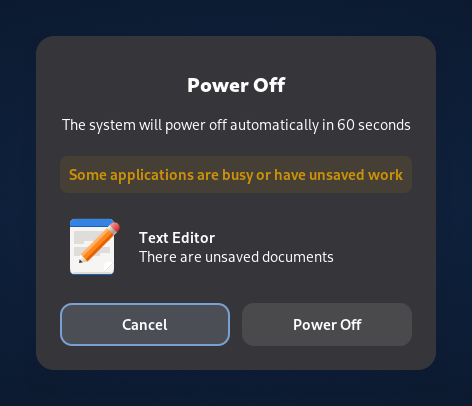
Select the Power Off button to confirm.
Even without confirming or saving the open documents, Tails will shut down after 60 seconds.
Emergency shutdown
Per attivare un arresto di emergenza, scollega la chiavetta USB o espelli il DVD su cui è in esecuzione Tails. Questa operazione potrebbe essere più veloce che spegnere dal menu di sistema.
Quando scolleghi la chiavetta USB mentre Tails è in esecuzione rischi di compromettere l'Archivio Persistente e di perdere i dati .
Se usi l'Archivio Persistente, scollega la chiavetta USB Tails solo in caso di emergenza.